Ask AI about anything
in your terminal —
without leaving it.
Highlight text in iTerm2 (ex. while Claude Code is running), right-click → Ask TermChat, and a floating chat bubble opens right next to your selection. No API keys — it runs on your local Claude Code CLI and its subscription login.
macOS 14+ · free · uses your Claude Code login
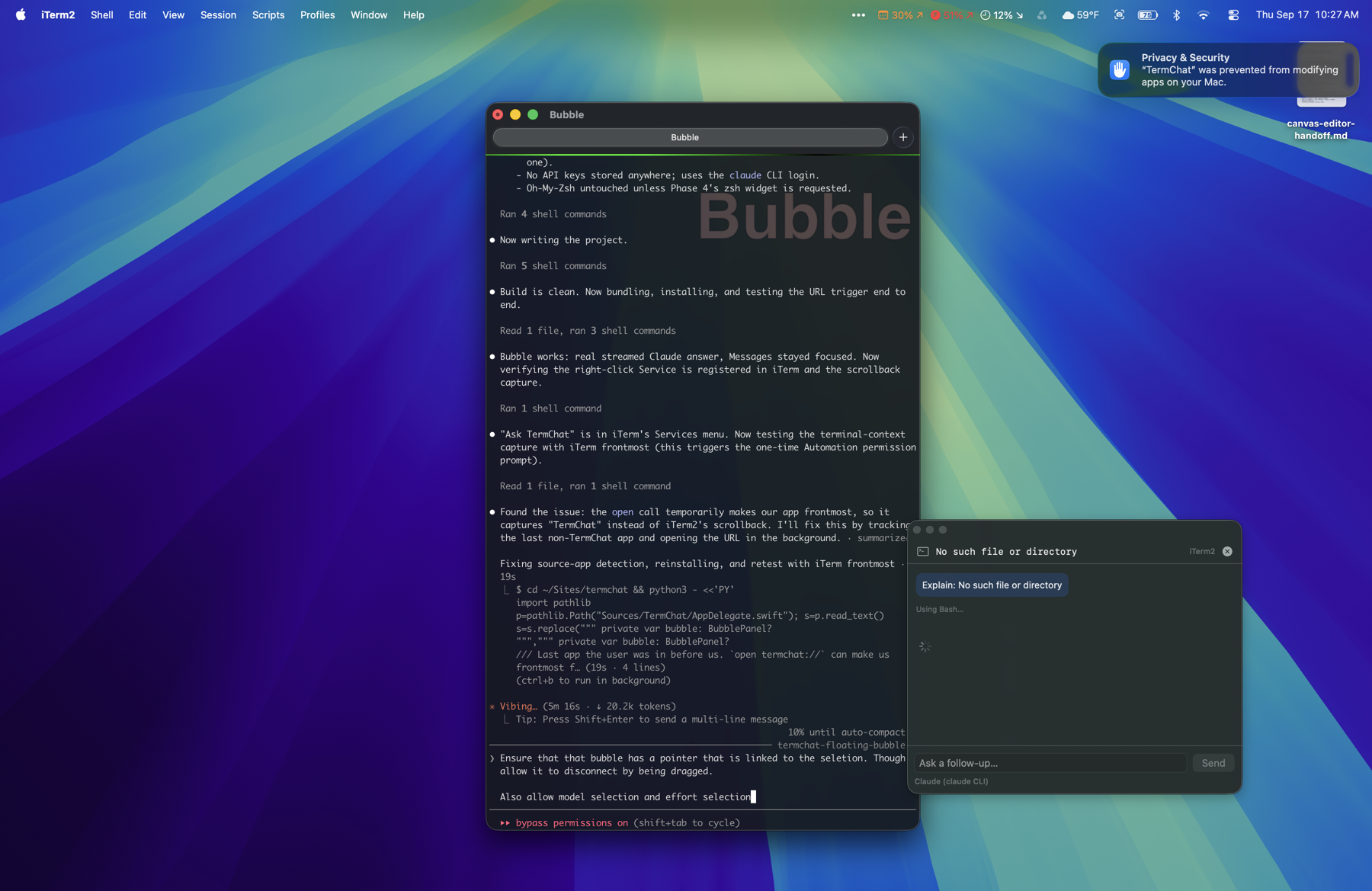
One right-click. One question. No context-switching.
- 0API keys required
- 200lines of context read
- ⎋closes the bubble
- 4Claude models to pick from
Right-click, right there.
TermChat adds a top-level 💬 Ask TermChat item to iTerm2's own right-click menu. Cmd-click still selects and opens links as usual — nothing about your normal terminal workflow changes.
- Floating bubble anchored to where you invoked it, with a pointer tail
- Drag the bubble anywhere — the tail detaches and follows
- The terminal keeps keyboard focus until you click into the bubble
- Follow-up questions stay in the same conversation
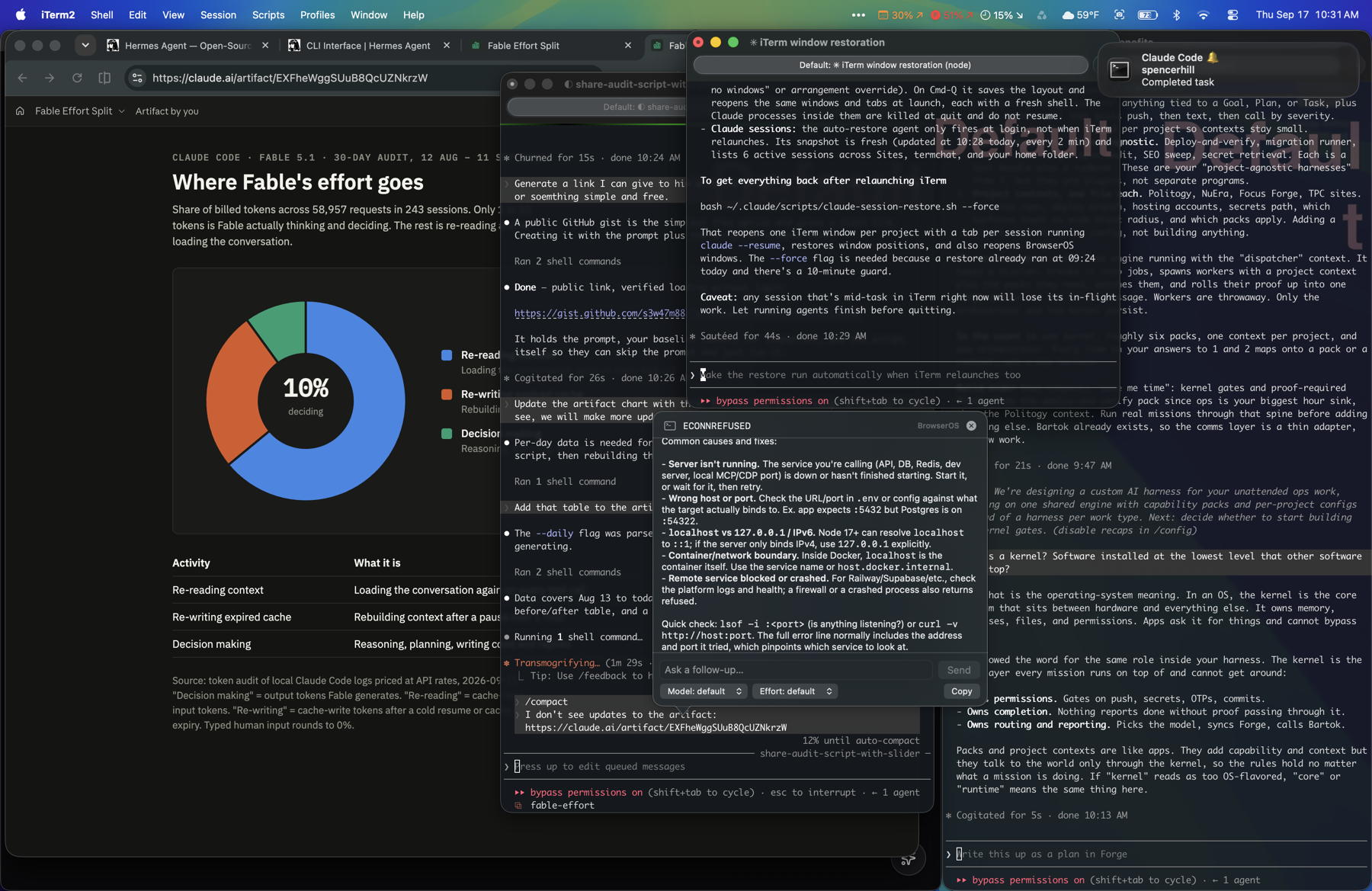
It reads the room.
TermChat pulls in the last ~200 lines of terminal output and the session's working directory as context — so the answer is about your actual error, your actual output, not a guess.
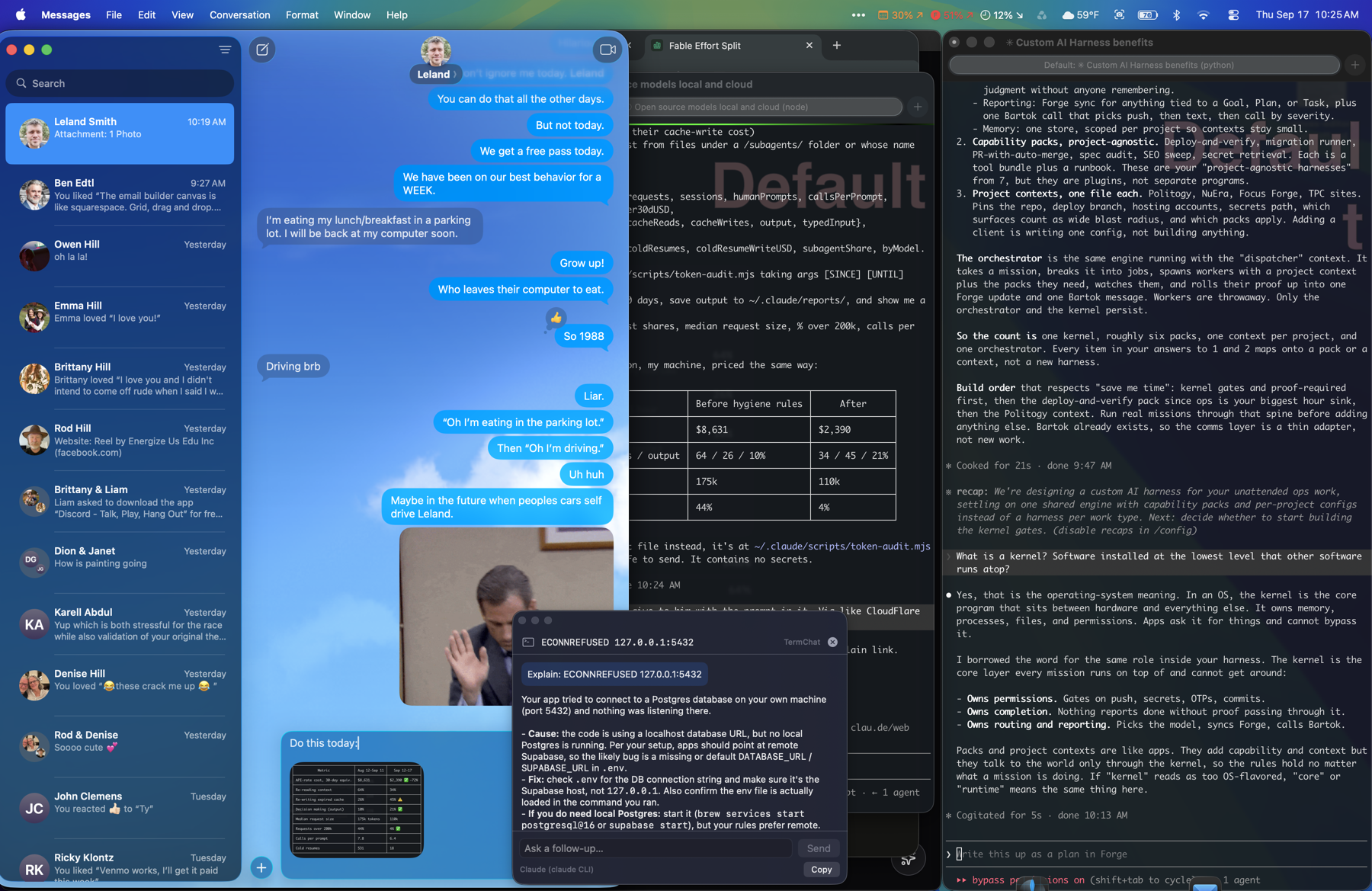
- Uses the locally installed
claudeCLI — your subscription, no API keys - Model picker: fable, opus, sonnet, haiku
- Reasoning-effort picker: low through max
- Copy the answer, or insert the first backticked command onto your prompt
What you need
macOS 14+, the Claude Code CLI (claude) installed, and iTerm2 with Settings → General → Magic → "Enable Python API" turned on.
Right-click context-menu provider, not Smart Selection.
Never overrides a keybinding — right-click only.
URL scheme for scripted or test invocations.
Get TermChat for macOS.
Download the app, turn on iTerm2's Python API, and right-click a selection to ask your first question.
If macOS blocks it as unverified: right-click the app → Open.